A ground-up rewrite of the productivity controlling application 1.2 using the Microsoft Foundation Classes (MFC), aimed at achieving a more polished look and feel and simplifying the user interface.
Version 3.0 introduced the following changes:
- Added a flexible employee model (individual employees, groups, and machines).
- Added support for data terminals.
- Implemented a traceability system for base data.
- Added flexible task types (single, combined, group, and long-running).
- Used DAO (Data Access Objects) for database access.
- Implemented a streamlined installation procedure.
- Added employee data import from ERP systems.
- Used Crystal Reports V5.0 for reporting.
- Added flexible customer management.
- Extended Win32 API support.
- Removed the hard-to-understand numbering system.
- Dropped the hour type concept, as it was inconsistent with the productivity calculations.
- Dropped the macro system.
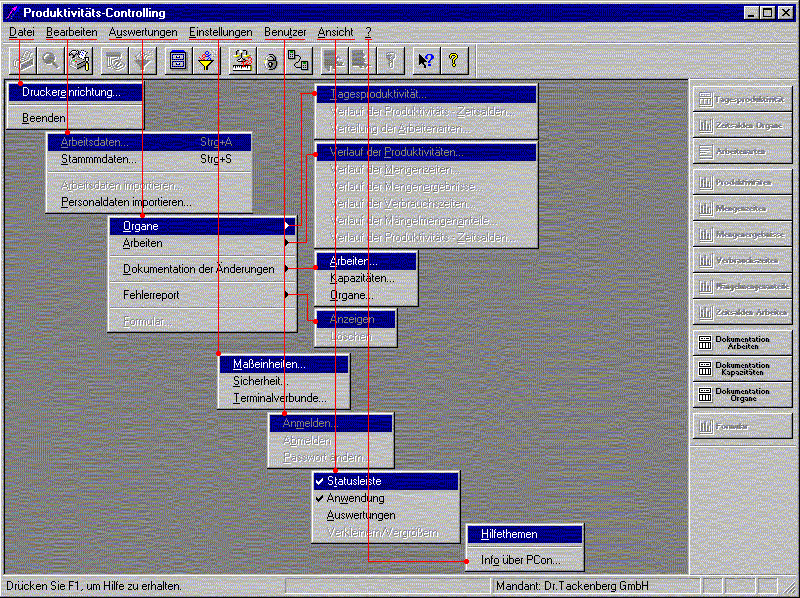 Main Window
The main window above shows all available menus and the two button bars. The top bar provides quick access to the application’s main functions, the right bar offers access to the reporting system, and the status bar displays the currently active company.
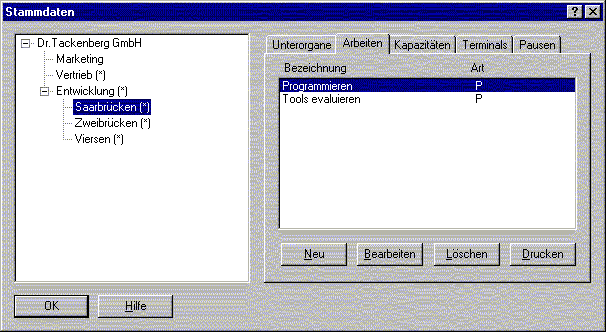 Base Data
The base data dialog is used to define the company’s hierarchical structure, including departments, tasks, capacities, terminals, breaks, and employees. Employee records must be imported from one of two supported HR management systems. The number of supported systems is easily extensible thanks to a plugin architecture for accessing employee data from external applications.
Traceability System (Author: Stefan Bayer)
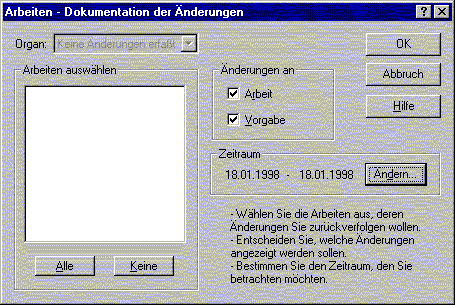 Task Changes
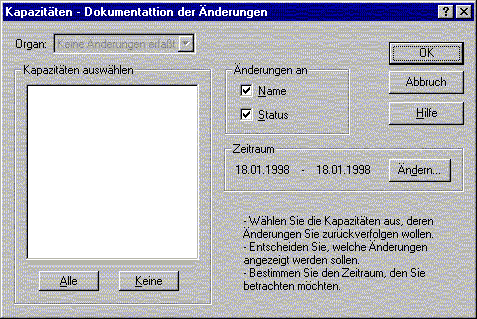 Capacity Changes
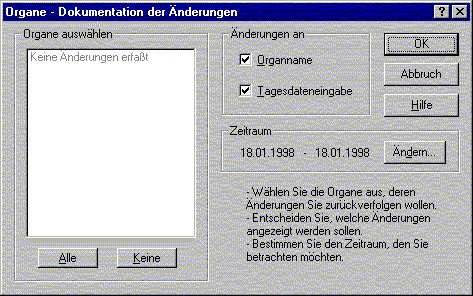 Department Changes
The traceability system tracks changes to all base data. The dialogs above show recorded modifications for each data type.
Task Data
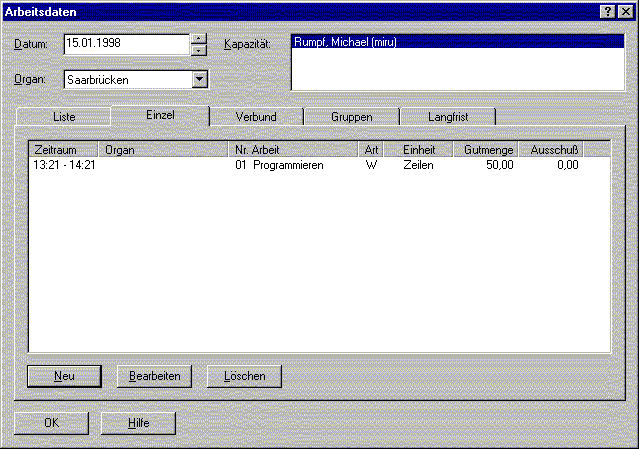 Task Data
The task data dialog allows entering new data and modifying existing records:
- Single Task For a single task, the quantity and time spent are known at completion, so productivity can be calculated immediately.
- Combined Task Combined tasks consist of multiple tasks that cannot be easily separated. At the end, the total quantity and time to completion are known. The time is distributed across the individual tasks, and a productivity figure is derived from that.
- Group Task A group task is essentially the opposite of a combined task: multiple employees work together. At the end of the day, one employee from the group enters the total quantity achieved. That quantity is then distributed across the group members, and a productivity figure is calculated accordingly.
- Long-Running Task A long-running task spans several days. At the end of each day, the time is entered into the terminal, but no quantity. When the task is complete, the final quantity is distributed over the accumulated time, and a productivity figure is calculated from those values.
Each entered task can be classified as productive or deficient. A deficient task must be further qualified as to whether the produced goods were reworked or the task had to be completely rolled back and restarted.
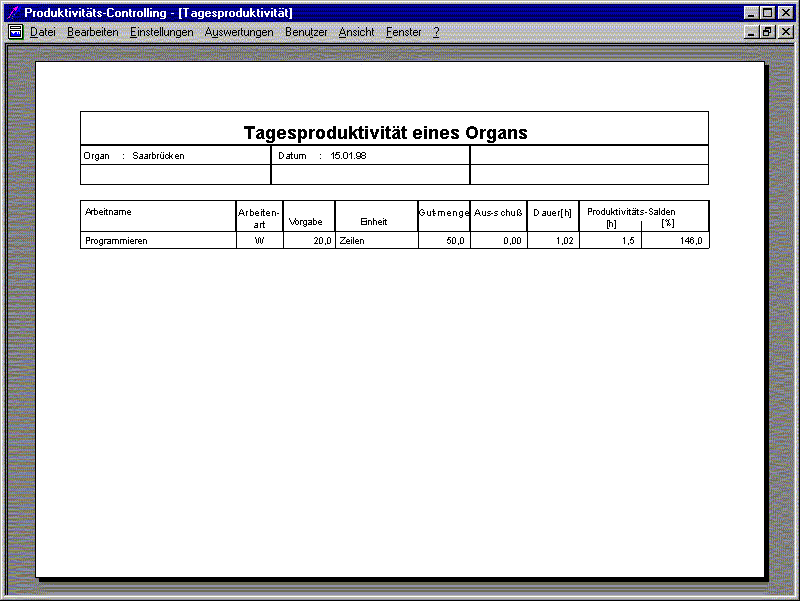
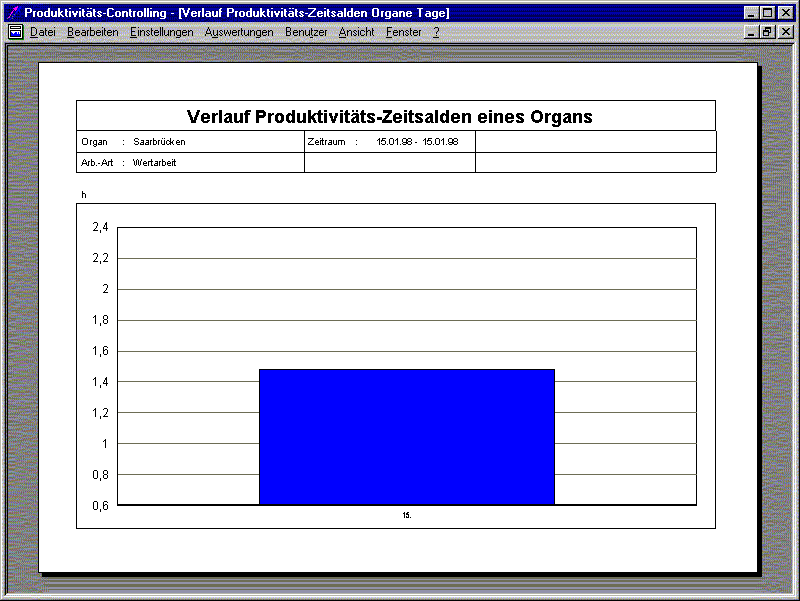
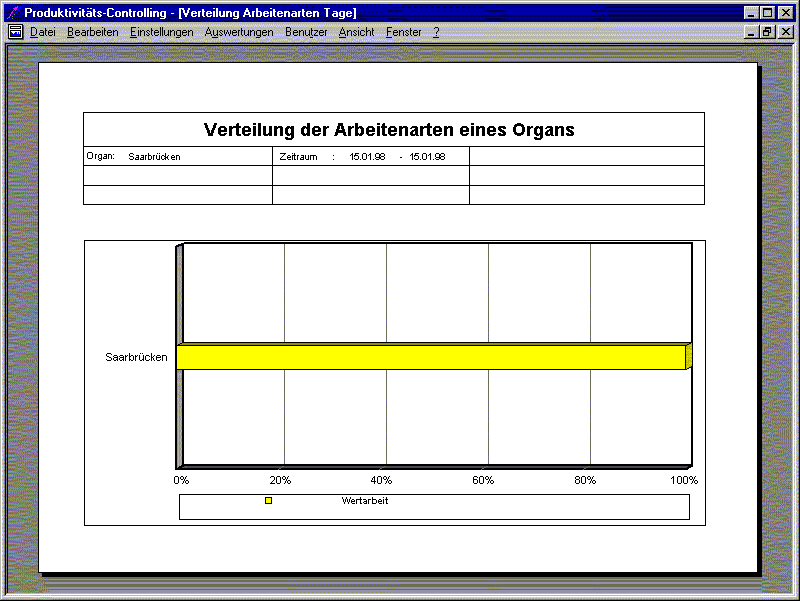
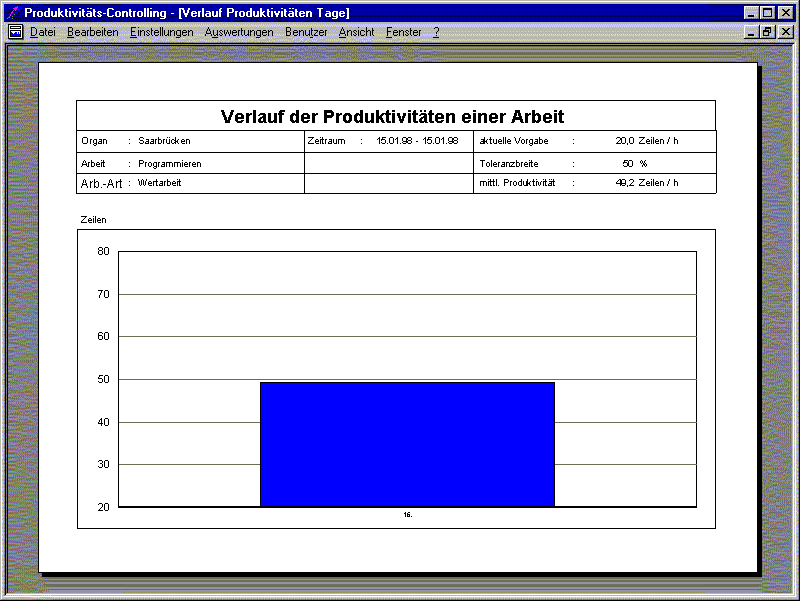
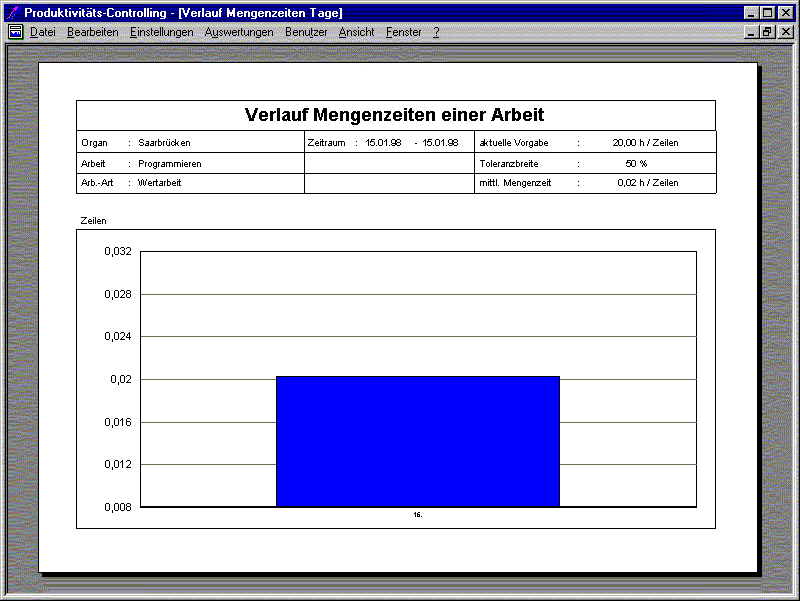
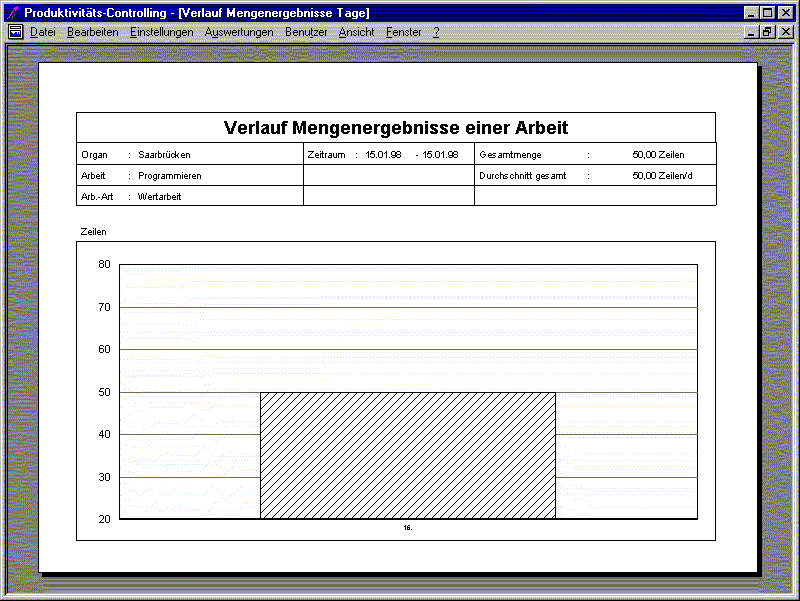
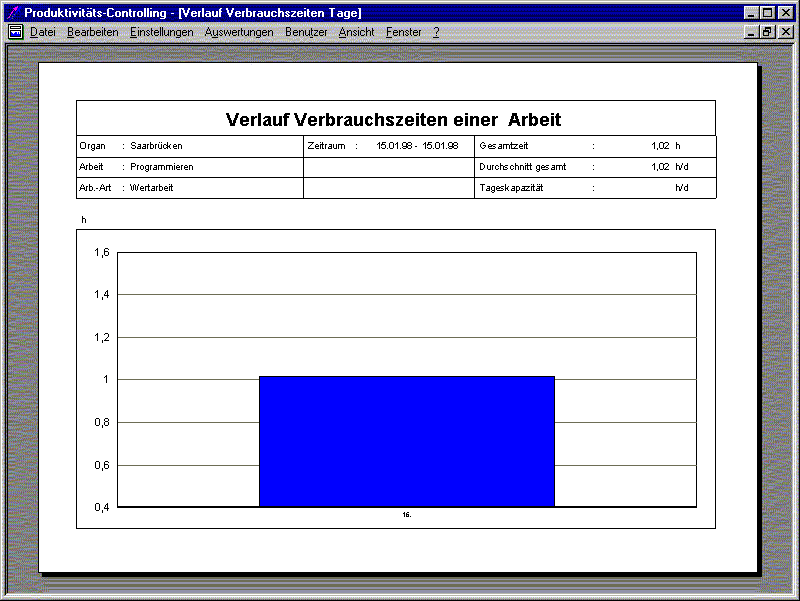
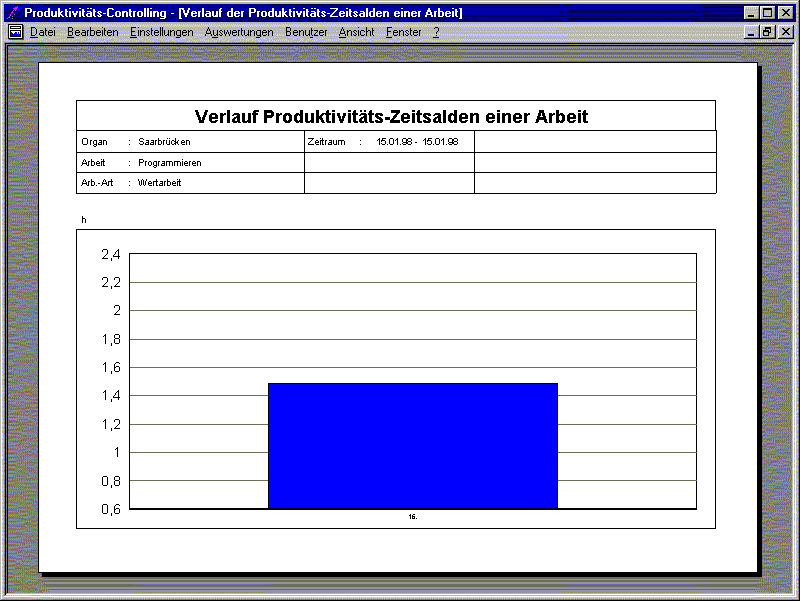
Statistical Reports (Design: Frank Blinn)
Employee Management
 Main Dialog
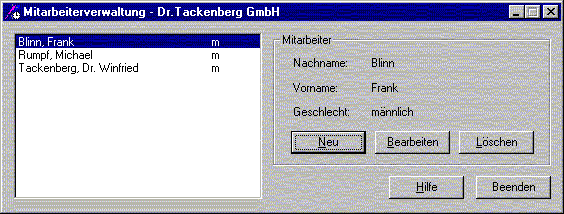
For PCon 3.0, two import modules were developed: one for the in-house employee management software, and another for “Zesy 2.0” from Gisbo Softwareentwicklung und EDV-Beratung GmbH.
Customer Management (Author: Stefan Bayer)
The customer management system allows creating, modifying, and deleting customer records.
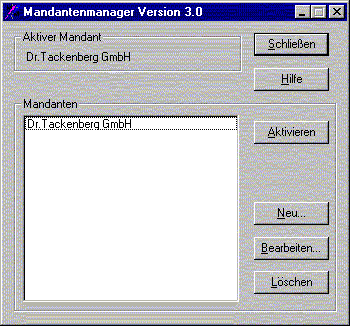 Main Dialog
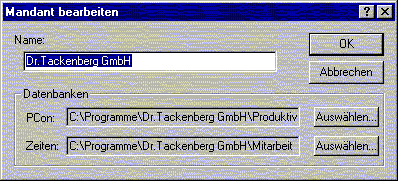 New-/Modify-Dialog
| Type | Software Developer at Dr. Tackenberg GmbH |
| Environment | Windows 9x/NT, Visual C++ 4.0, MFC, Crystal Reports |